Feature, in practice
AI Chat With Custom Personas
AI Chat With Custom Personas starts with a person you are curious about. Find him on the shelves below.
A compelling character needs something more specific than a label. Meet Cassian, a exiled court envoy whose interests include court riddles and falconry. His biography gives those details a place in the story.
This entrance to the library is organised around ai chat with custom personas. Follow a profile when a detail interests you, or use the categories to compare personalities, roles and worlds. A search phrase is a starting point; it does not guarantee that every selected character has the same appearance or capabilities.
The introduction is yours to read before opening an account. A short pause reveals one prepared line, and the page waits for your choice. If you want to continue, use the composer or a media button. An account step brings you back to that page, ready to repeat the action.
Start here
Characters to start with
Take a closer look at these characters, then follow the traits they share.
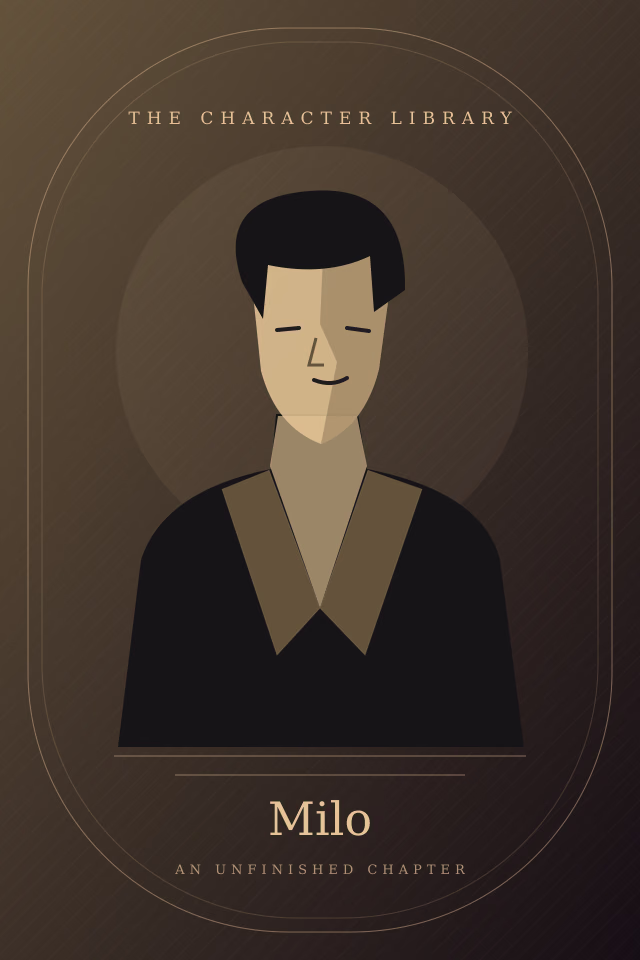
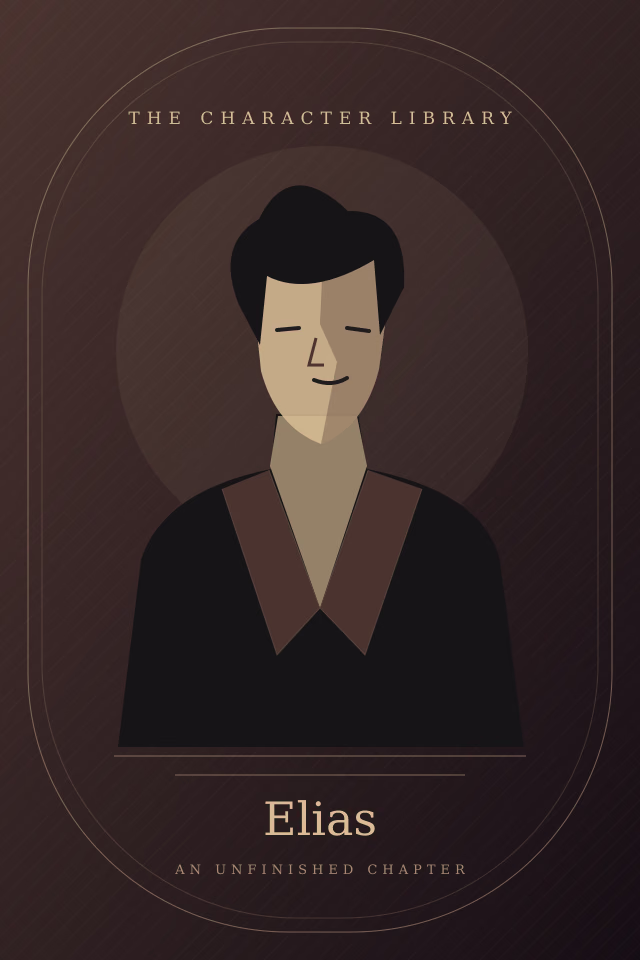
What to expect
What this page is actually offering
A voice with a starting point
Cassian's opening comes from his own biography. Choosing a story idea does not replace it with a different script.Shelves that connect
Follow a protective personality into a royal court, or find a quieter story through a musician's daily routine. Tags connect profiles without forcing you through a long questionnaire.A closer look
Each profile keeps the essentials together: an image, age, interests, biography and links to men with similar tags. Nothing in that introduction asks you to fill in a form.Room for your own idea
The five-step creator explores visual style, appearance, personality, voice and a final summary. The image workspace accepts a scene description. Both show a demonstration before the account step.
Three steps
How a first conversation goes
1
Take a book from the shelf
Open any character profile. Use a shared tag to change direction whenever you want.2
Read his first line
The chat preview opens with a short typing effect and one individual introduction.3
Decide what comes next
Choose a continuation action. Sign in if needed, return to the preview and repeat the action to continue through the connected service.
FAQ
Questions people actually ask
Can I explore before signing in?
Does a story setting change his greeting?
Will he reply inside this preview?
What happens to a creator draft?
Nearby
Other ways into the catalogue
Another shelf may be closer to the story you had in mind.
Pick someone and say something ordinary
Reading costs nothing and the first message costs nothing. The character creator is where you shape your own instead of choosing from the catalogue.